
Live Sessions and Courses
HTML & CSS: Build Modern Websites from Scratch
Learn how to create beautiful, responsive websites from the ground up using HTML and CSS. This practical course takes you from the basics to building real-world web pages.
You’re about to change your life!
Course Detail
HTML and CSS are two of the most important technologies used in building modern websites. HTML (HyperText Markup Language) provides the structure and foundation of a webpage. It is used to organize and define content such as headings, paragraphs, images, links, buttons, forms, tables, and other elements that make up a website.
CSS (Cascading Style Sheets) controls how those HTML elements look and are presented to users. With CSS, you can apply colors, fonts, spacing, backgrounds, borders, animations, and other visual styles that transform a basic webpage into a professional and attractive website.
By learning these essential technologies, you will build a strong foundation for your journey into web development and gain the practical skills needed to start creating modern websites from scratch.
Course Features
- Understand how websites work
- Write clean HTML5 code
- Structure webpages correctly
- Create links, images, lists and tables
- Build forms
- Understand CSS selectors and properties
- Style text, backgrounds and borders
- Work with the CSS box model
- Create layouts using Flexbox
- Build layouts using CSS Grid
- Make websites responsive
- Create navigation menus
- Build professional website sections
- Debug common HTML/CSS problems
- Build complete websites from scratch
REQUIREMENTS
- A computer
- Internet connection
- A modern web browser
- Basic computer literacy
- Willingness to practice
No previous programming experience is required.

Ubong Nsekpong
Founder/ Lead Instructor
Ubong Nsekpong holds a Bachelor of Engineering in Electrical & Electronics Engineering while he specializes in Communications Engineering from FUTO. He has acquired certifications in HTML/CSS, JavaScript and PHP. He is a Full Stack Web Developer and currently furthering his PGD programme in Education.
Course Content
10 sections • 90 Topics • 8 – 12 Weeks
Students are also Interested in:
Text-based / Practical • 1-on-1 Remote Mentorship
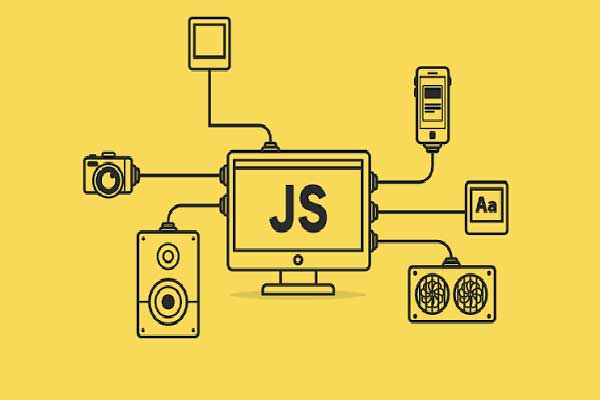



Data & Digital Skills
4 courses • Coming Soon

AI & Emerging Technology
4 Courses – Coming Soon

Cybersecurity & IT
4 Courses – Coming Soon

Web Development
4 Courses – Coming Soon

Design & Digital Creativity
4 Courses – Coming Soon
Programming & Software Development
5 Courses – Coming Soon

24/7 Support
We are there to guide you in every step you take throughout this course.

Expert Tutors
We have seasoned and experienced tutors who are always available to guide.

Unlimited Access
This course is a “buy once” and use anytime. You can make references anytime any day.
Your Tech Journey Starts Here. Take the Next Step Today!
Learn Today. Build Tomorrow. Transform Your Future.